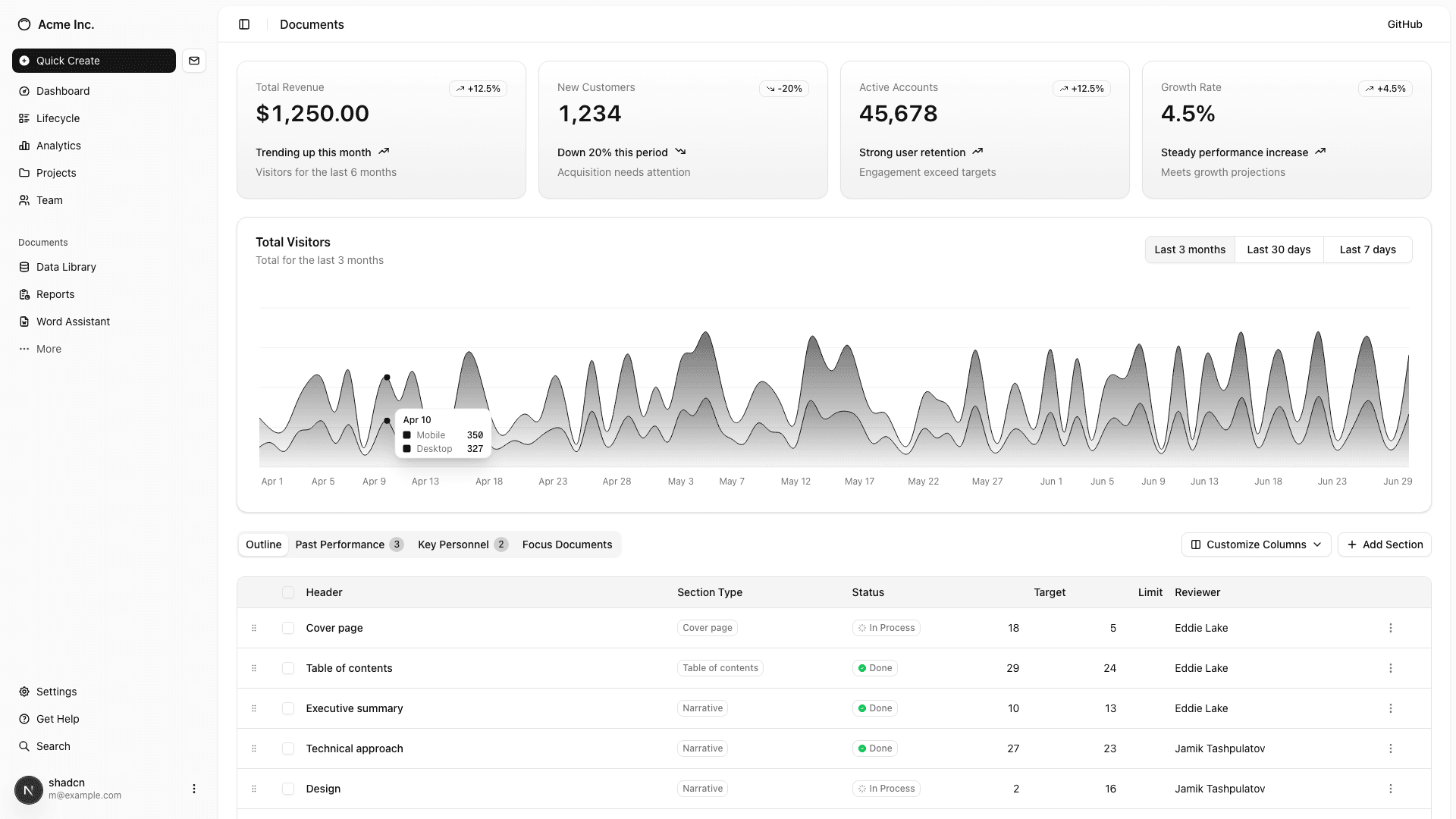
Screenshotter
Developer tool that automates screenshot capture across devices and viewports. YAML-based recipes define scenarios, and a Hono API + Next.js dashboard manage jobs, API keys, and usage. CLI captures, processes, and exports organized screenshots with manifests.
Automated Screenshot Capture & Management Platform
Full-stack developer tool for automating screenshot capture across multiple devices and viewports. Define scenarios in YAML recipes, run captures via CLI or API, and get organized output with manifests — replacing hours of manual screenshot work with a single command.
💡 How It Works
YAML Recipes: Define scenarios (URLs, categories, tags), target devices (Desktop, MacBook, iPhone, etc.), and export settings (naming templates, folder organization, output format) in simple config files.
CLI Capture: Single command captures all scenarios across all devices with Puppeteer, processes images through a Sharp pipeline, and exports organized files with human-readable names.
API + Dashboard: Hono-based REST API for programmatic captures with API key auth, job queuing, and Supabase storage. Next.js 16 dashboard for managing recipes, viewing jobs, and tracking usage.
🔧 Architecture
- Modular Pipeline: Capture → Process → Organize → Export with pluggable stages
- 14 Built-in Devices: From iPhone SE to 4K displays, with custom device support
- Smart Export: Organize by scenario, category, device, or flat — with template-based naming ({recipe}, {scenario}, {device}, {date})
- Manifest Generation: JSON manifests with file metadata, dimensions, sizes, and summary stats
- Zod Validation: Full input validation on recipes, API requests, and configuration
📊 Dashboard Features
Recipe Management: Create, edit, and run screenshot recipes from the web UI with live preview of device configurations.
Job Monitoring: Track capture jobs in real-time with status updates, error reporting, and downloadable results.
API Key Management: Generate and rotate API keys with usage tracking and rate limiting per plan tier.
Developer Tool: Built to solve my own need for consistent, automated screenshots across projects. Now powers portfolio updates, CI/CD visual regression checks, and client deliverables with zero manual effort.